
Windows and Layout
JoinXR provides a flexible and intuitive windows and layout system, inspired by tools like Unity, to help you tailor your workspace to your workflow. You can dock, undock, and rearrange panels to create an environment that suits your needs and skill level.
Windows
Section titled “Windows”You can access all windows from the Window menu at the top.
- Slides Window - List all slides in the document
- Slide Contents Window - List all the content of the current slide
- Object Properties Window - View and edit the properties of selected objects
- Statistics Window - Performance metrics about your document
- Video -Manage and convert new Videos
- Help - Shows the basic navigation controls
Layouts
Section titled “Layouts”JoinXR offers two built-in layouts to help you get started, you can access these from Window -> Layouts.
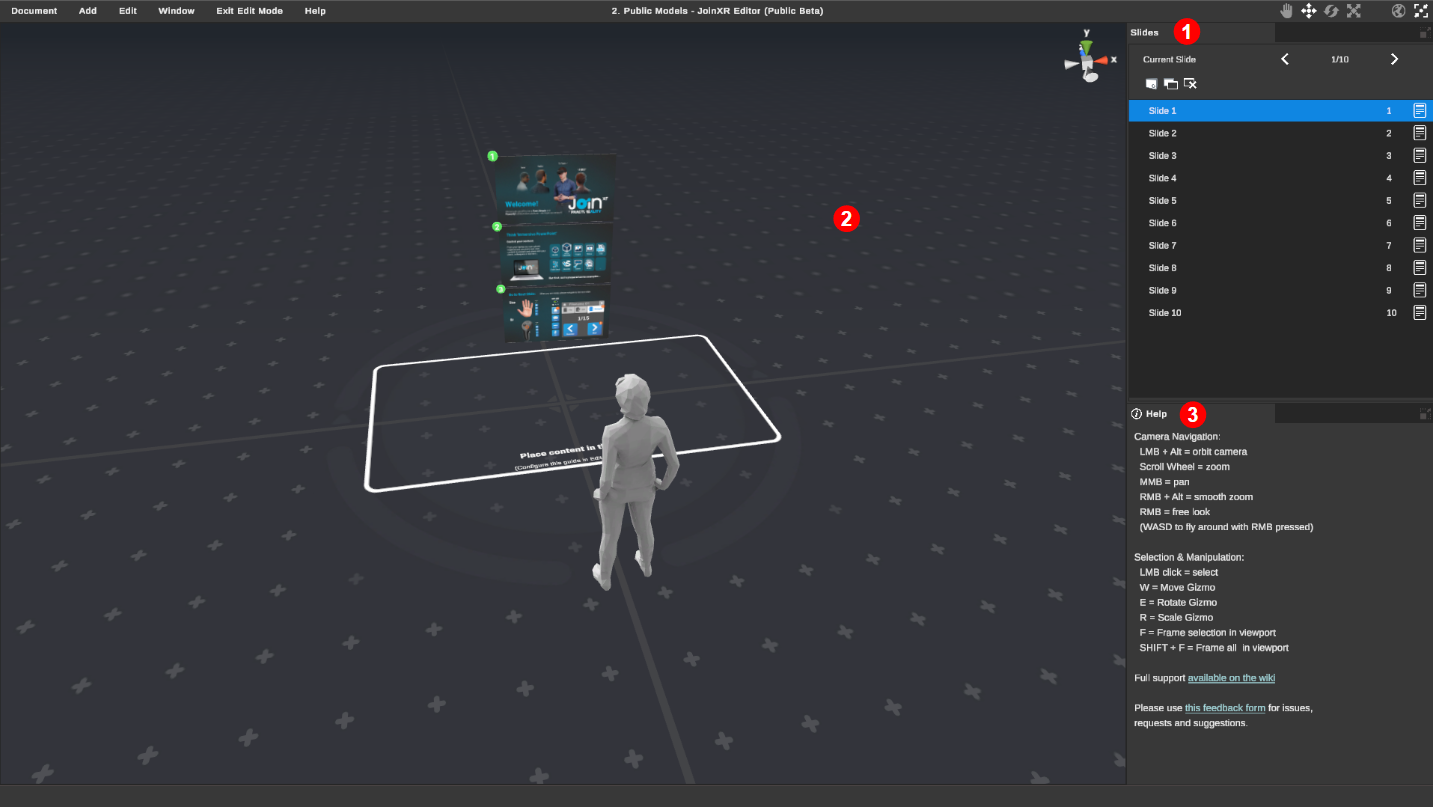
Simple layout for beginners including only the Slides Window (1), the Scene View (2), and Help (2), making it easy to assemble a rough presentation without unnecessary complexity.
Advanced
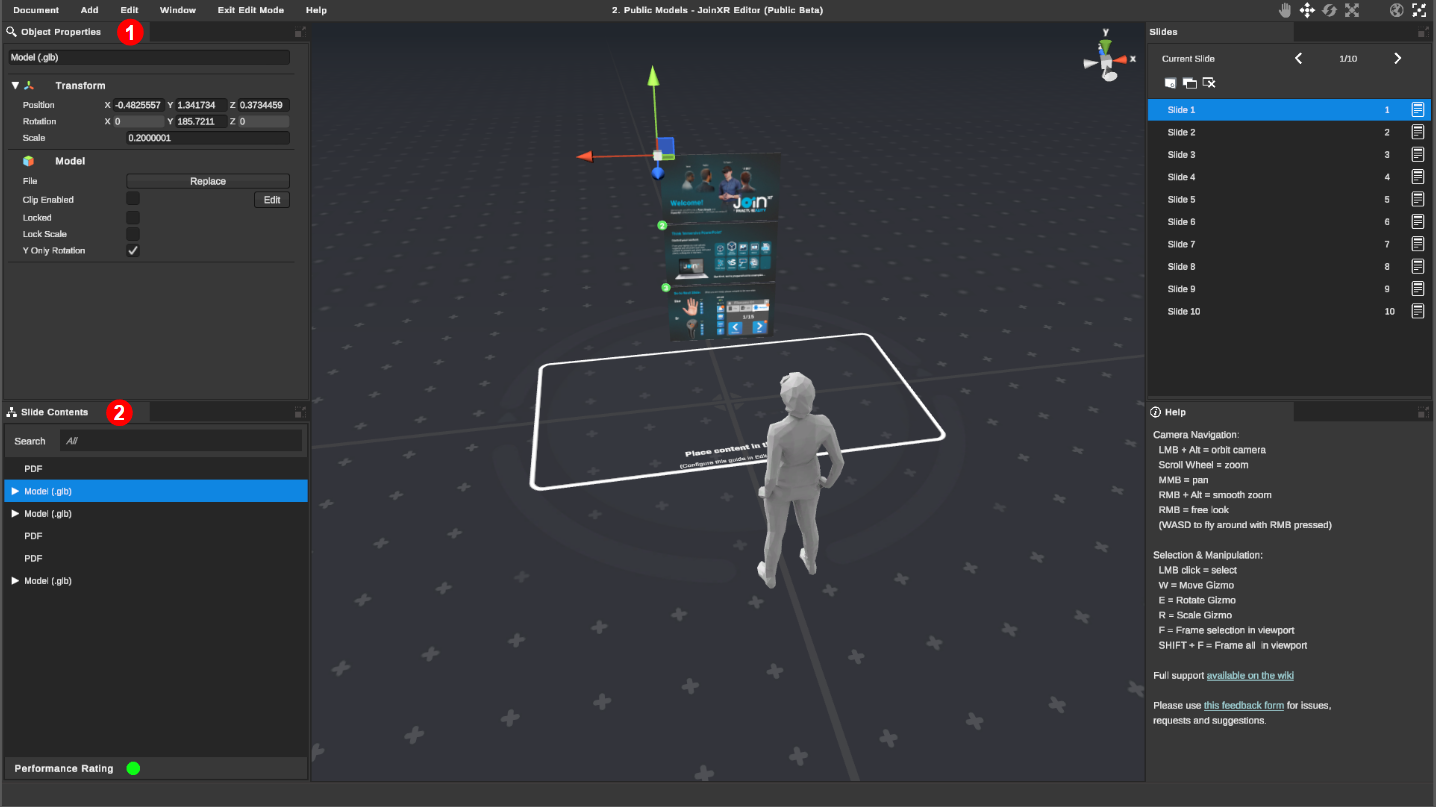
Section titled “Advanced”Geared toward more detailed work, this layout adds the Object Properties (1) and Slide Contents (2) windows alongside the Slides Window and Scene View, providing the tools needed for creating and editing detailed presentations.
These layouts are just starting points—you can customize them to suit your workflow. Any changes to the layout are automatically saved, so your workspace is ready for you in your next session.
Docking and Arrangement
Section titled “Docking and Arrangement”- Windows can be docked into the Unity Editor or undocked to float freely.
- You can arrange windows by dragging them to various zones in the editor to snap them into position.
- You can stack windows into tabs or arrange them side-by-side for simultaneous visibility.