Pair a Device
Learn how to pair devices with your JoinXR account. A list of supported devices can be found Supported Devices.
The pairing process only needs to be completed once per device. There are two separate flows:
Pair your first device
Section titled “Pair your first device”1. Install the JoinXR app from the App Store on your device
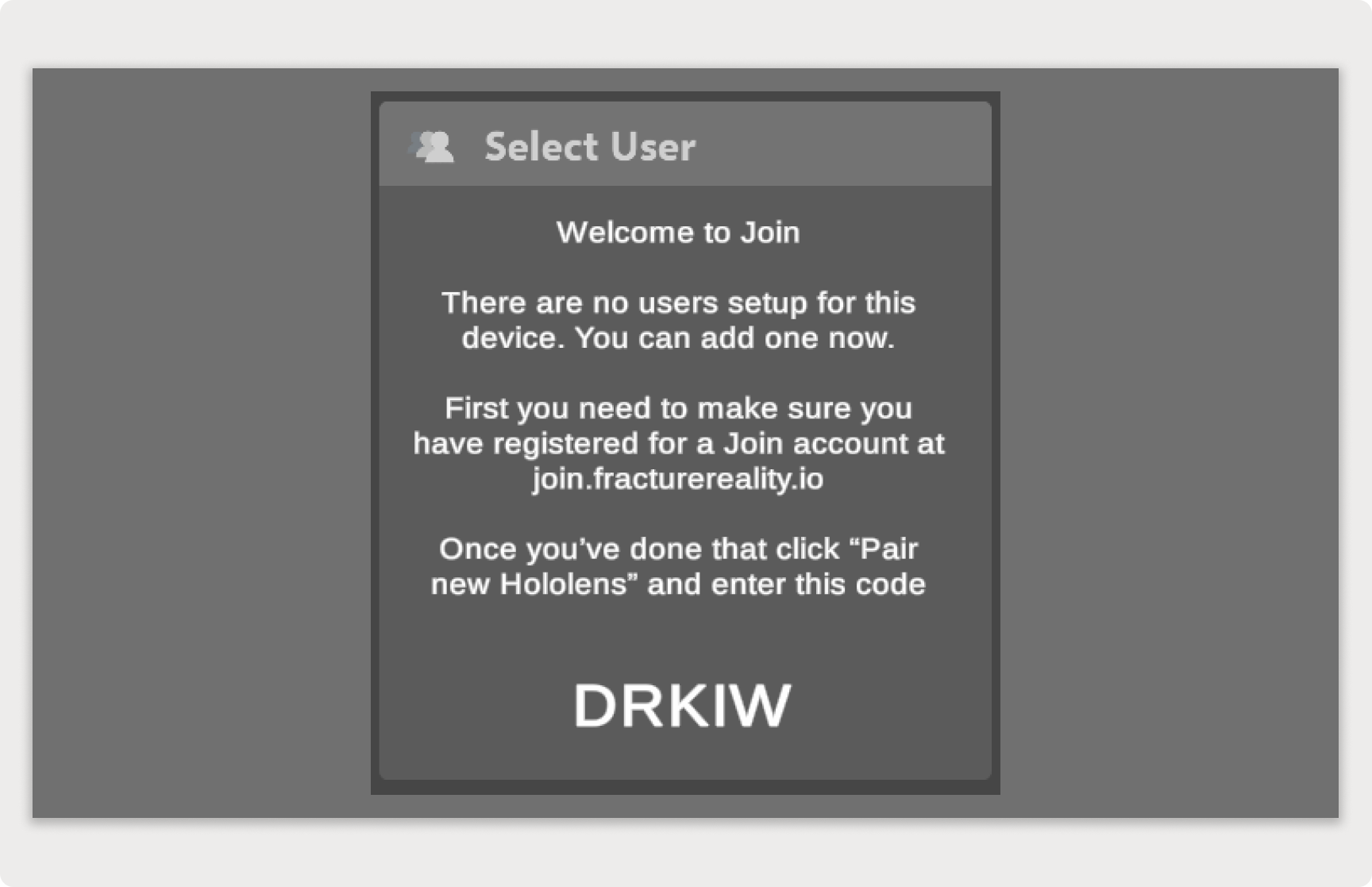
2. Launch the app. You will be presented with a unique pairing code
3. Login to join.fracturereality.io and select the device type that you wish to pair
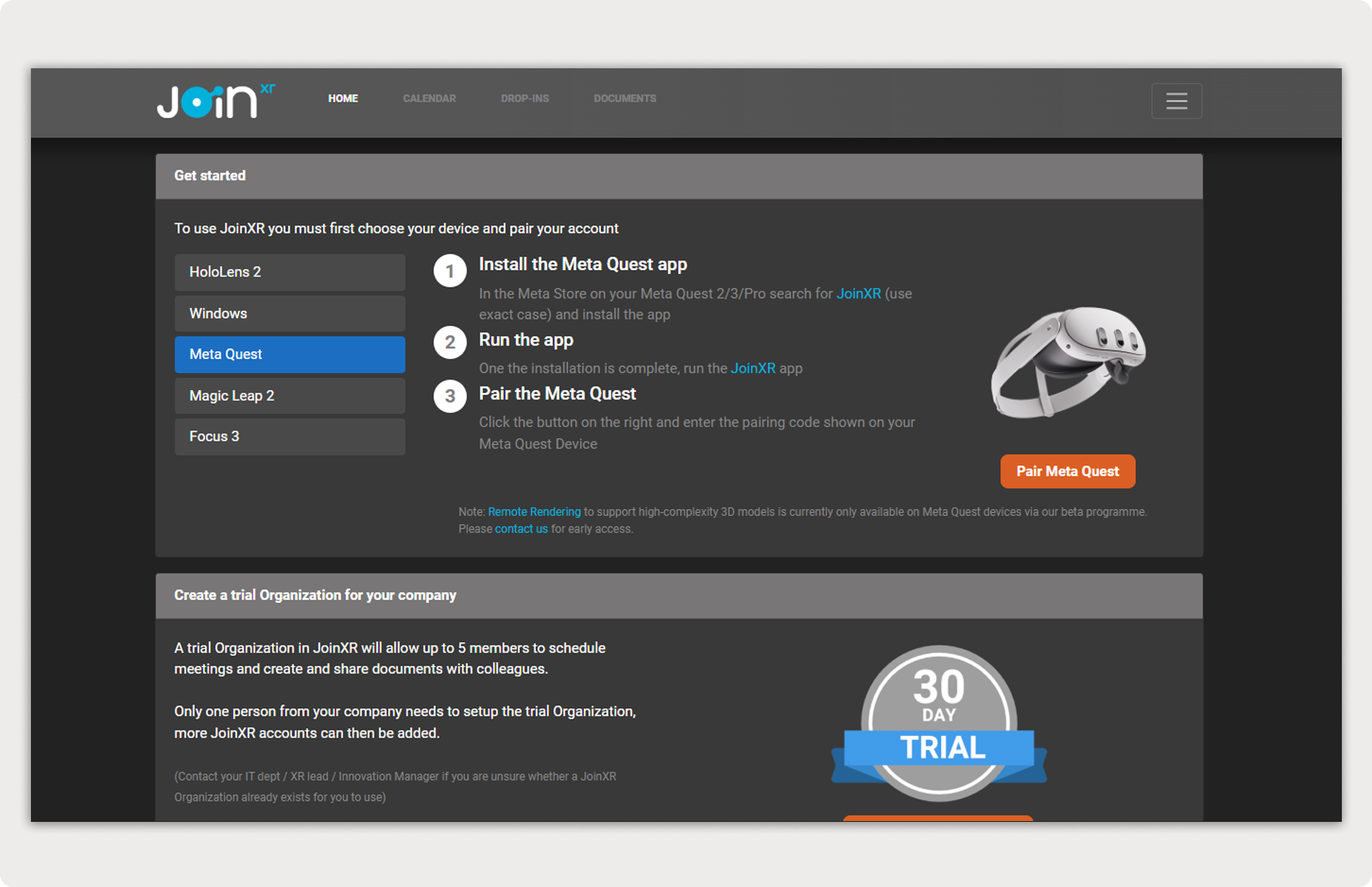
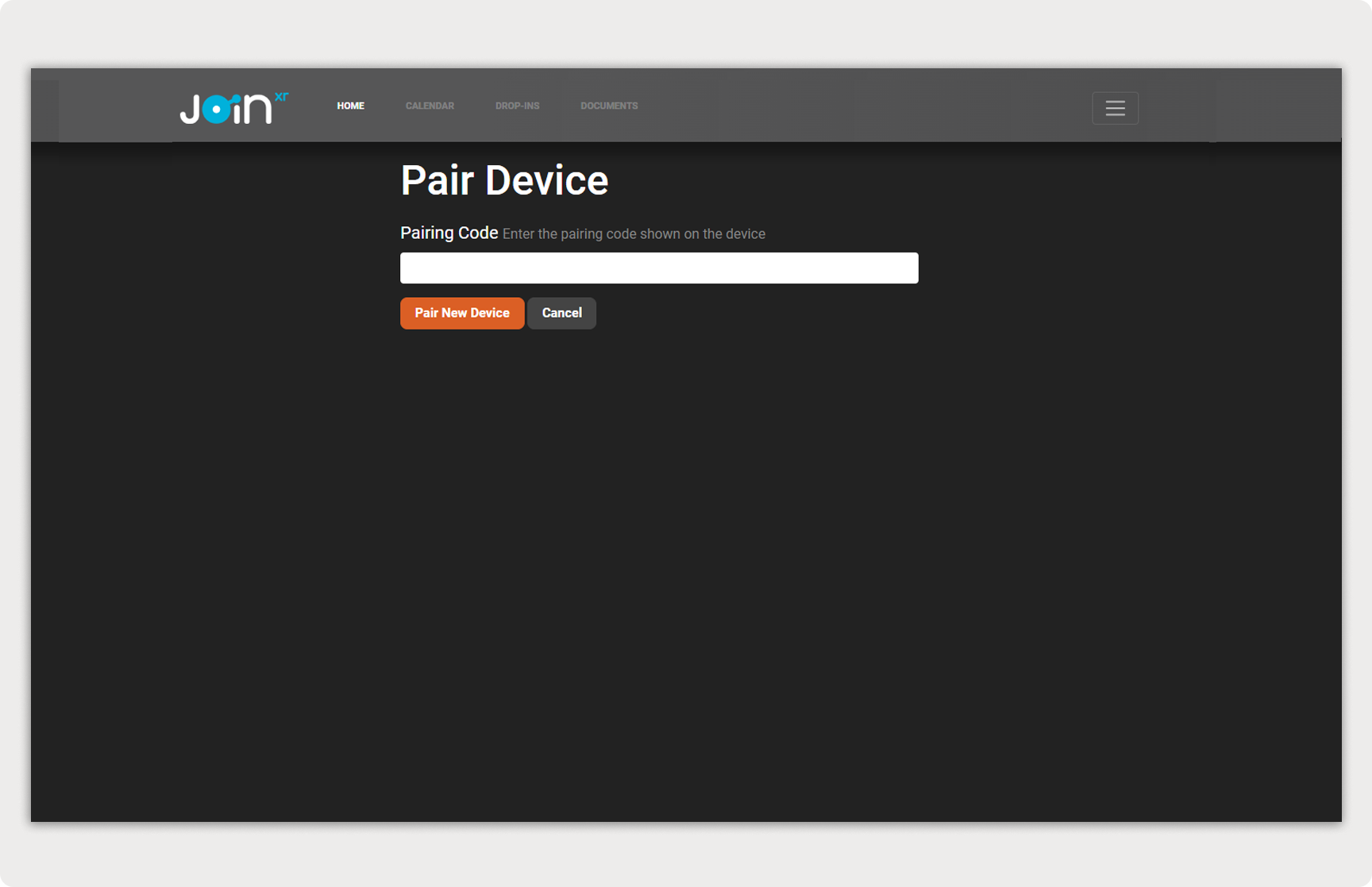
4. Enter the pairing code and click Pair New Device
5. Once you put on your device, you’ll notice the User Select screen displaying your name and avatar icon
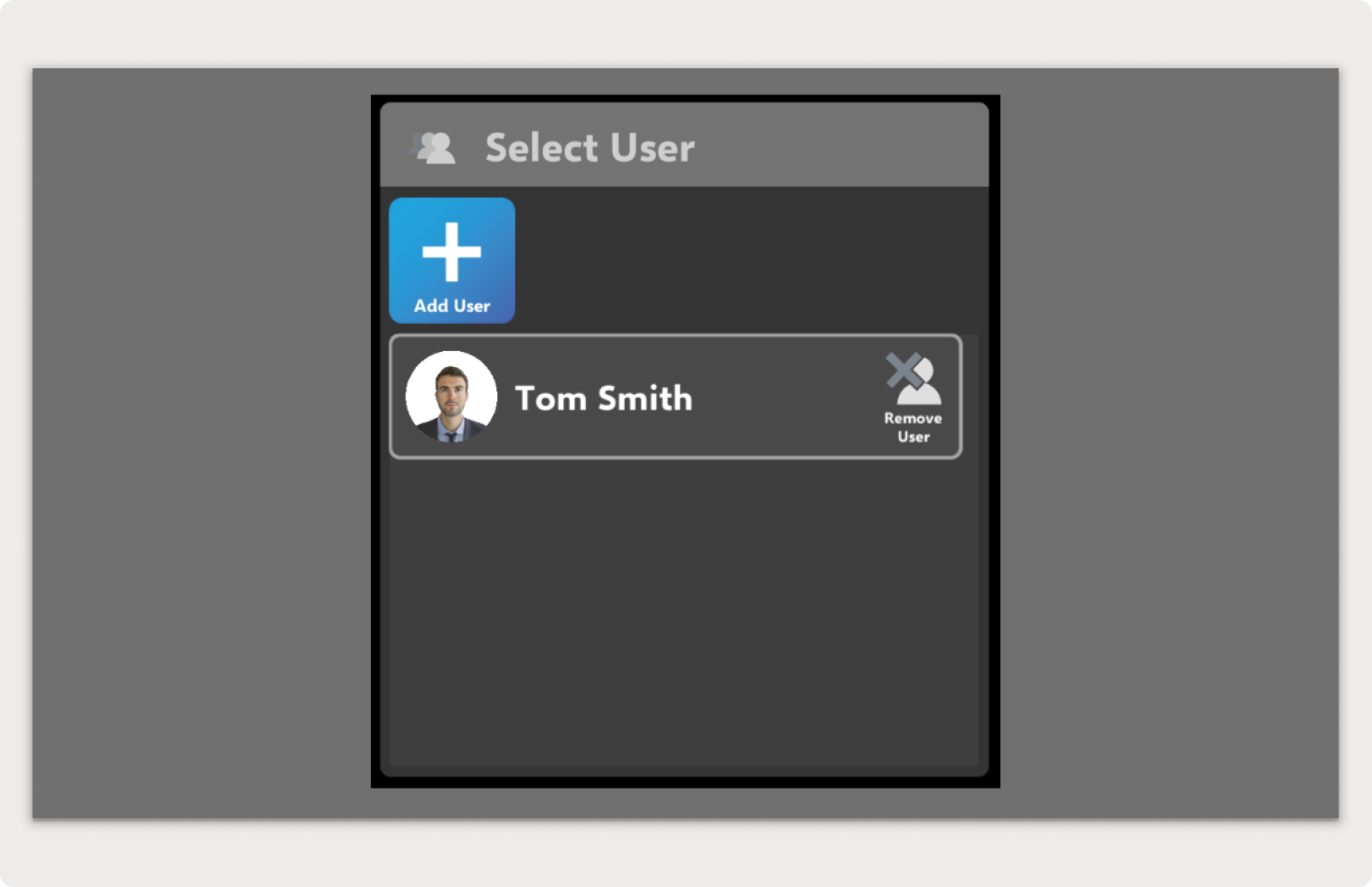
Congratulations. You now have now paired a device with your user.
Pair subsequent devices
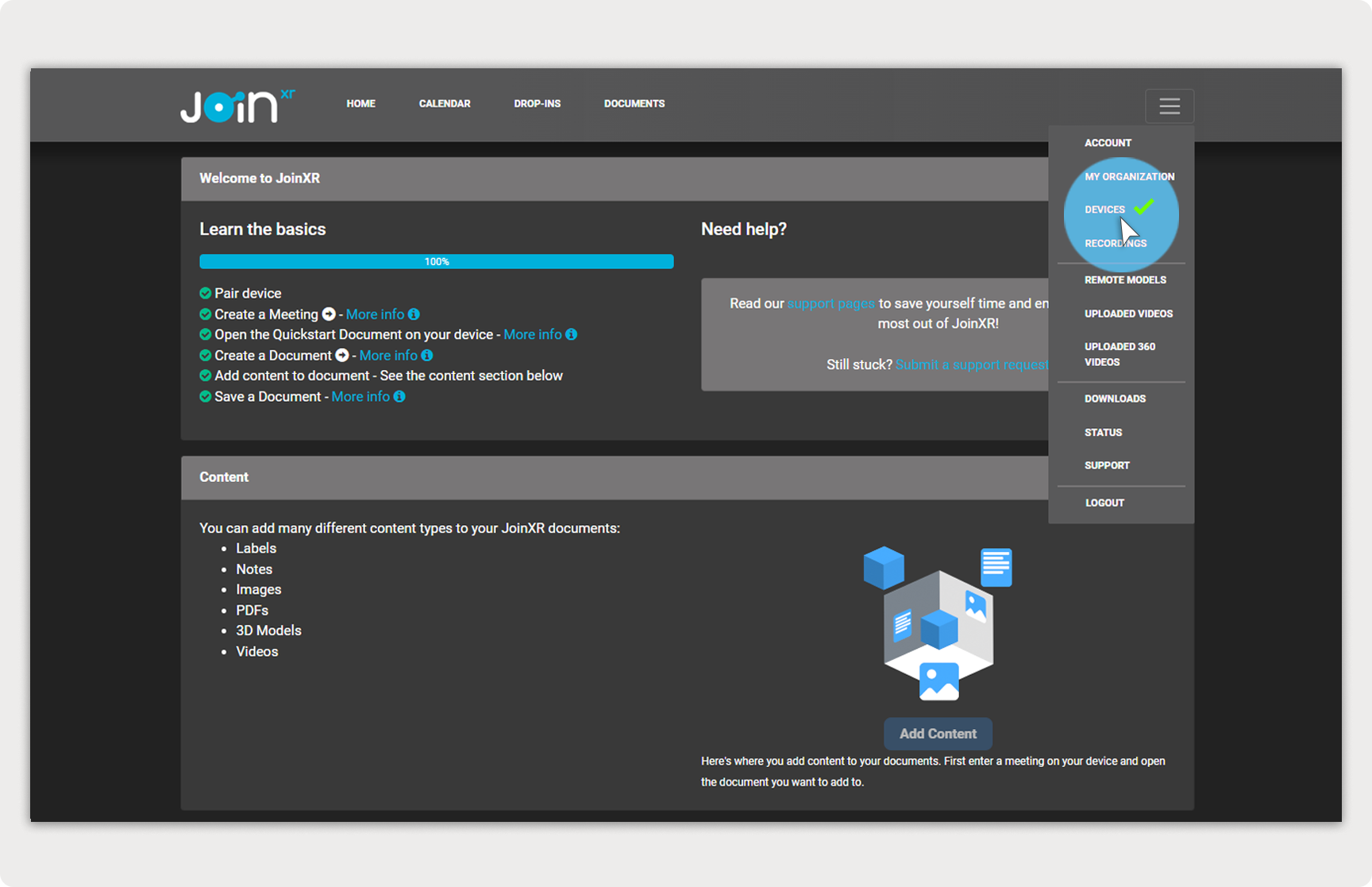
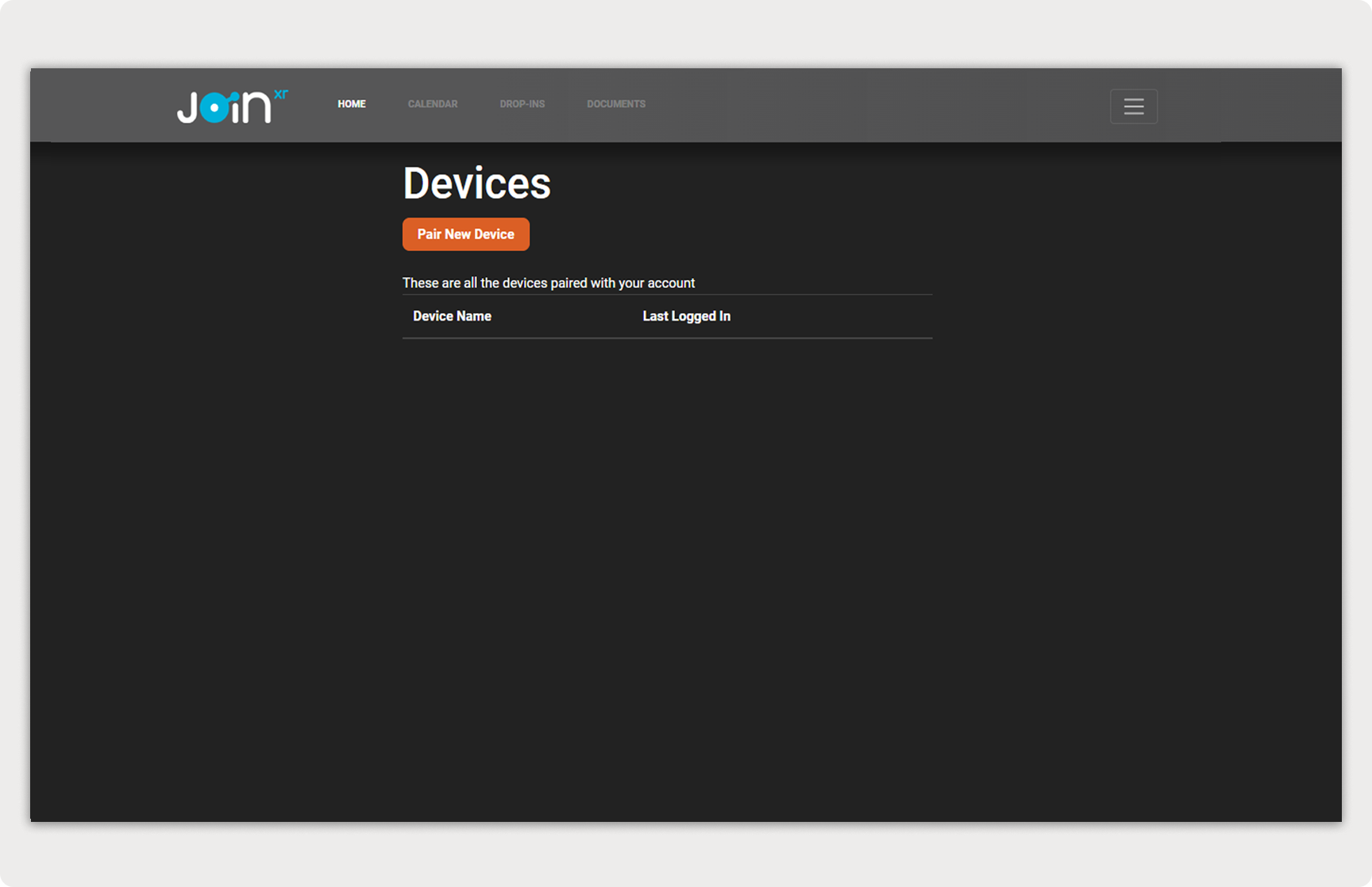
Section titled “Pair subsequent devices”You can currently associate many headsets with a single JoinXR account. To pair any new device and manage its pairing, from your JoinXR account goto the ‘burger’ drop down and select devices. From there you will see the pair new device button