Joining Meetings
Learn how to join a meeting.
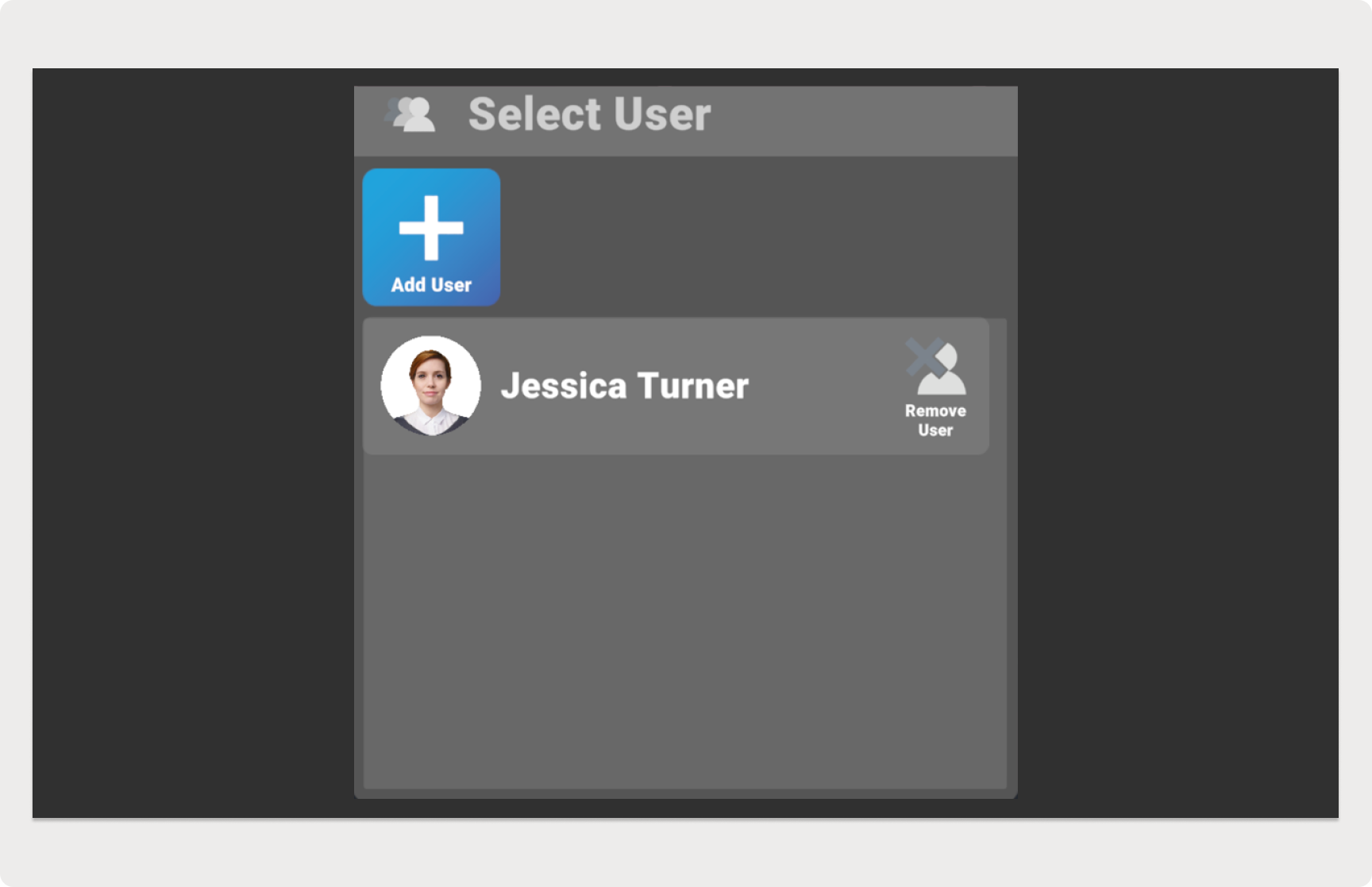
1. To enter a meeting, open the JoinXR app on your device and add, or select, your user profile
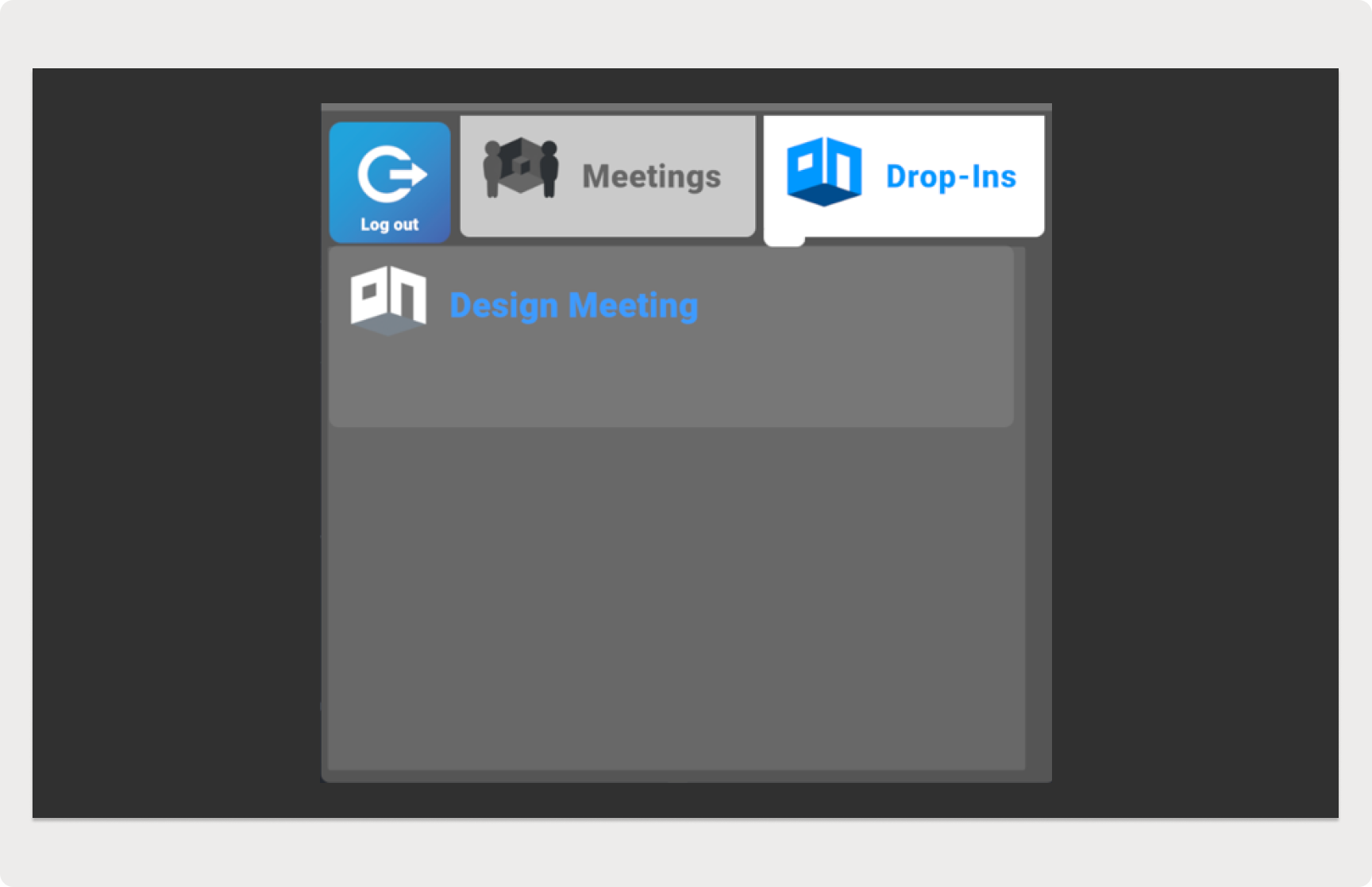
2. Select the Meetings or Drop-ins tab from the Select Meeting menu. You can choose your meeting from these tabs
3. You will receive a notification as other attendees join, and leave, the meeting. Their avatar will appear in your space and voice chat will be available immediately
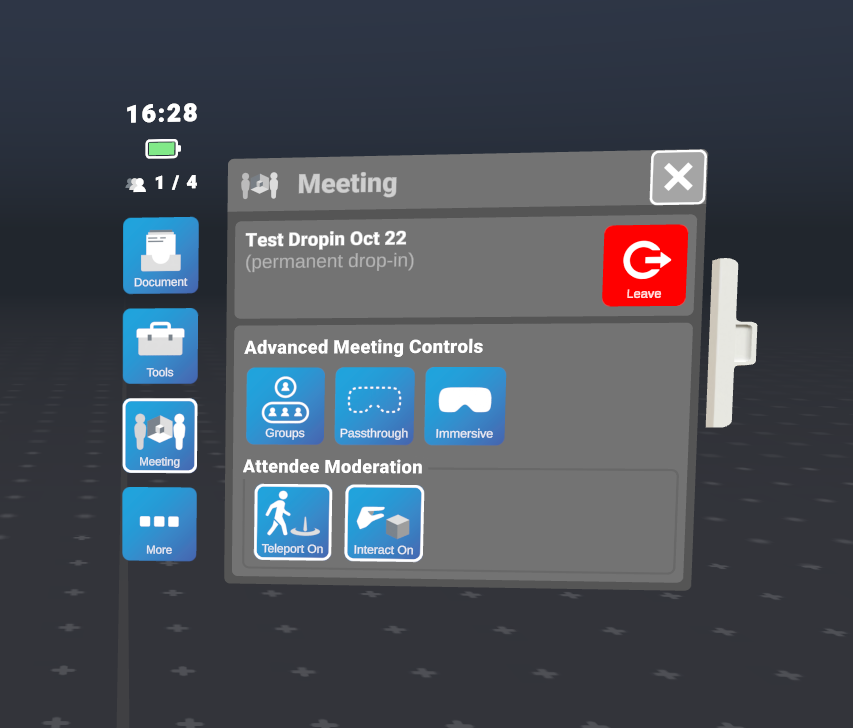
4. To leave a meeting, navigate to Meeting > Leave