
Installing JoinXR Via Meta Quest for Business
Note: JoinXR can only be installed on individual mode devices.
Meta Quest for Business (Q4B) is a MDM system for managing your Quest headsets. Many apps require the developer to share the APK with you in order to install it via Q4B. Fortunately, JoinXR is an approved app for Q4B so it can be found on the Discover Apps section of the Q4B Admin Portal.
Follow the steps below to add it your managed apps.
1. Login to the Q4B admin portal and select “Apps”
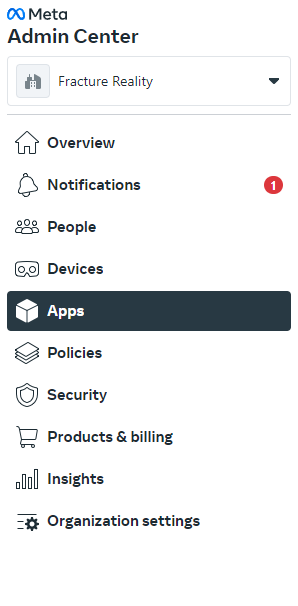
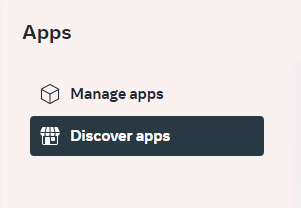
2. Select “Discover App”
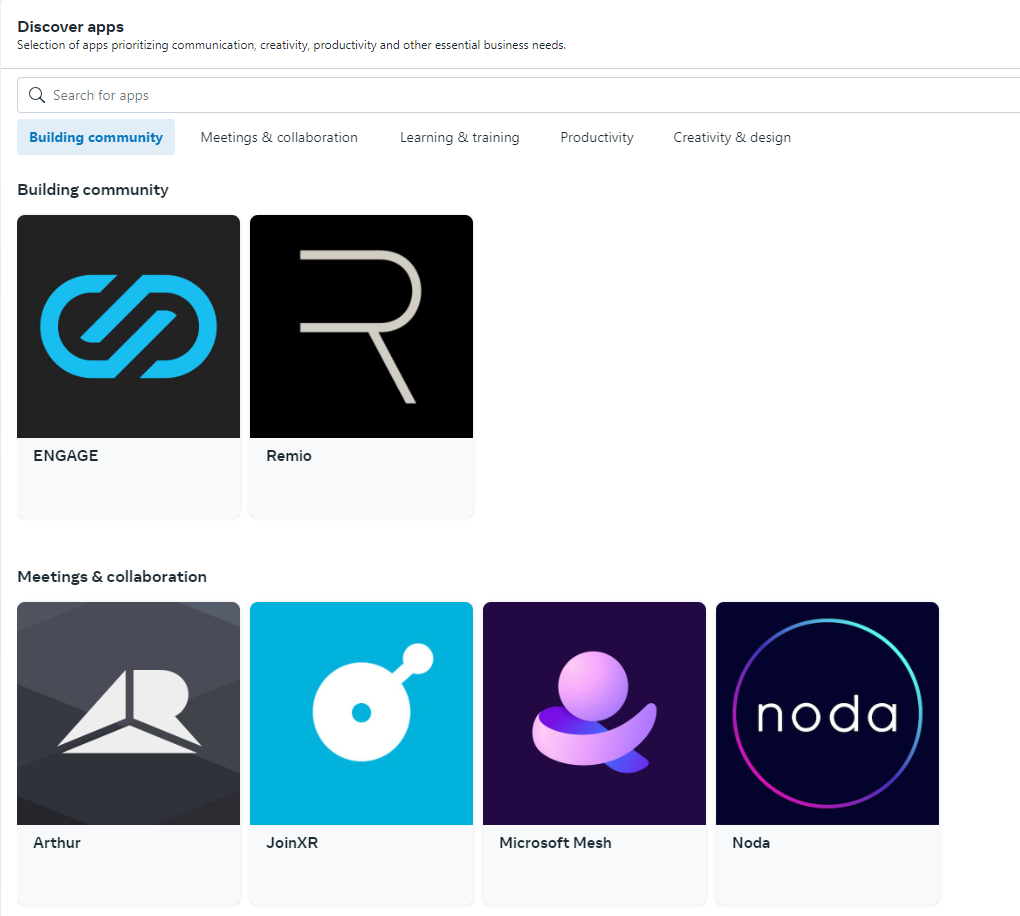
3. Select JoinXR from the listed apps
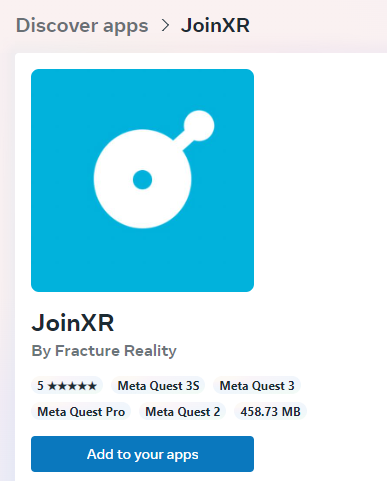
4. Select “Add to your apps” on the left
5. If you now go back to Manage Apps you should see JoinXR list

6. JoinXR can now be assigned to your individual device or device profiles.